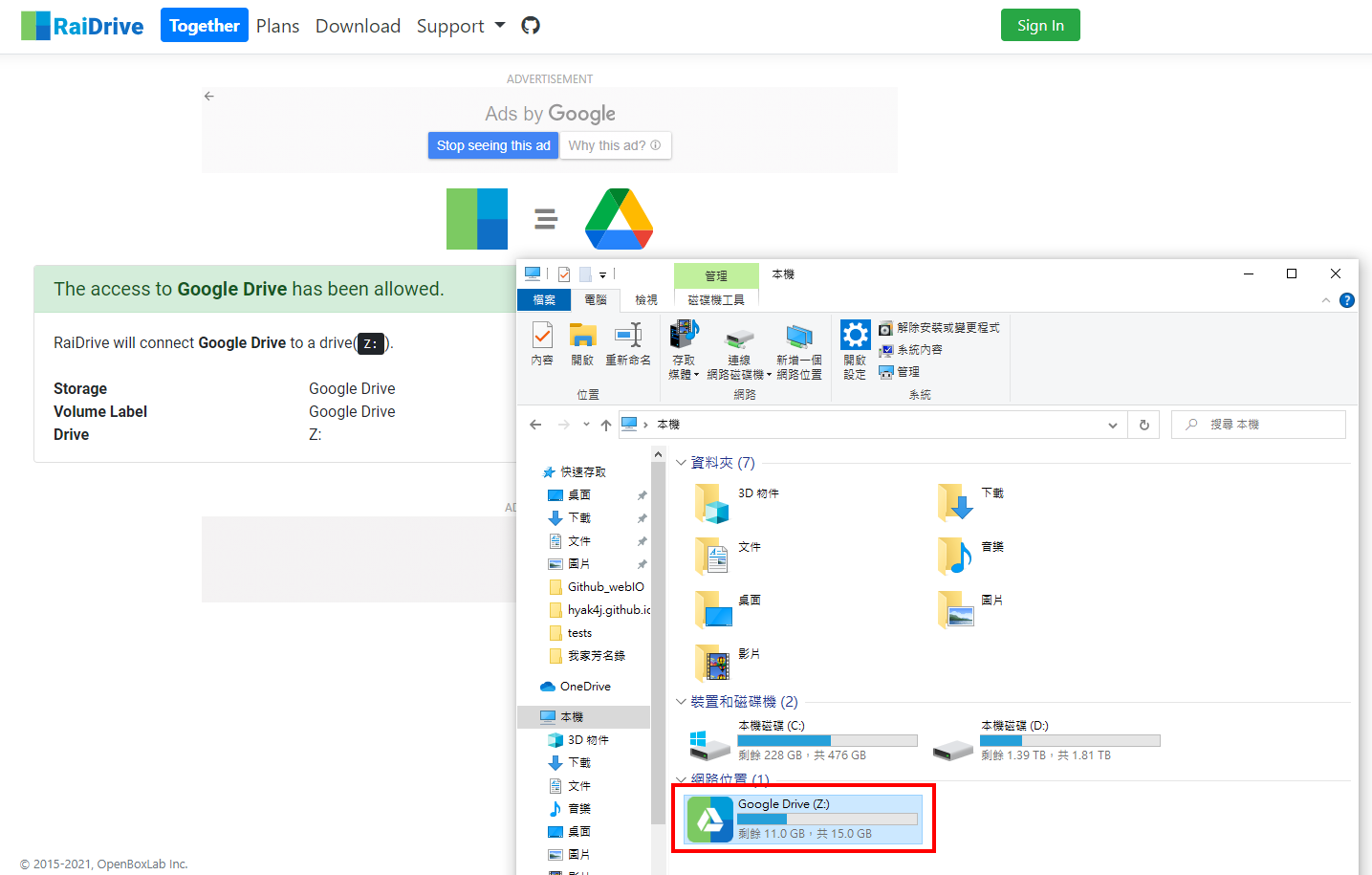
Mount Your Cloud Drive-RaiDrive

Contents
OS
- Windows 10 Home Edition
Software Information
- Name: RaiDrive
- Property: Free software (Include paid version)
- Interface language: Support multi-language
- Official website: https://www.raidrive.com/
Installation Steps
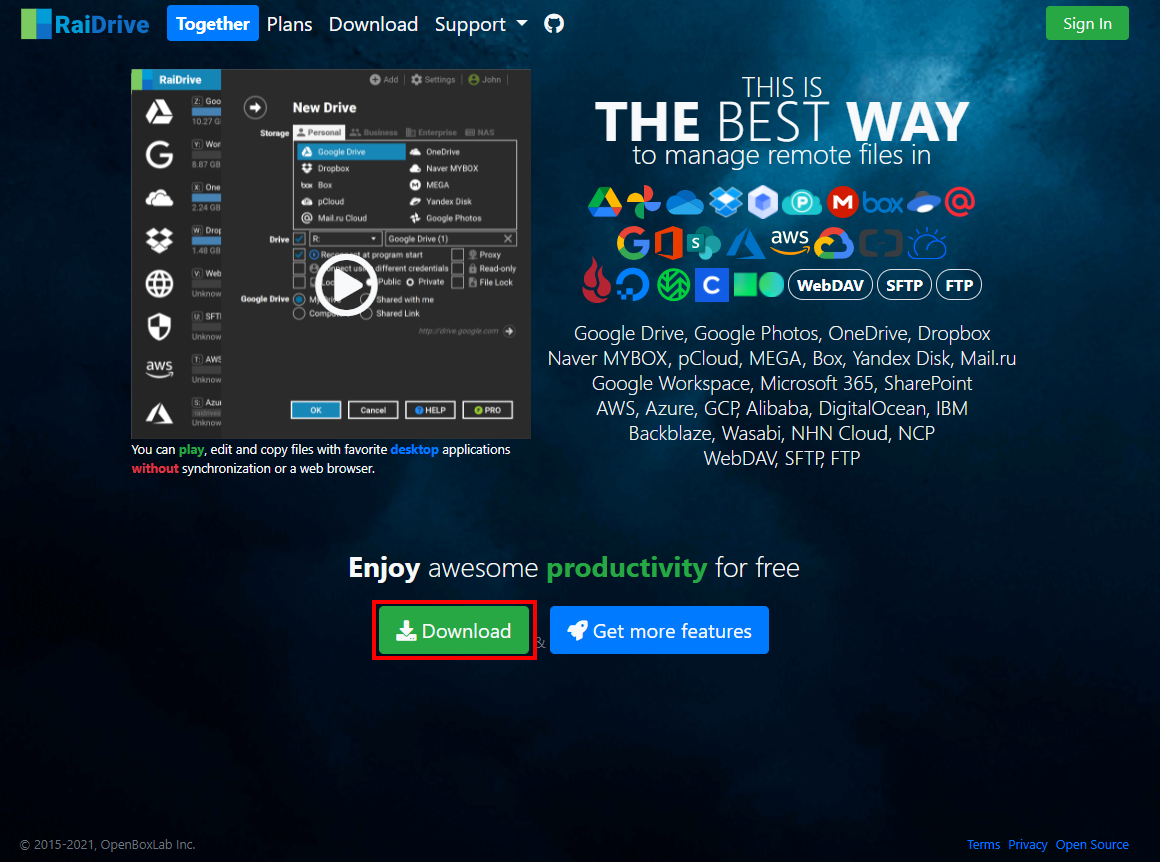
1.Go to the official website and click to download
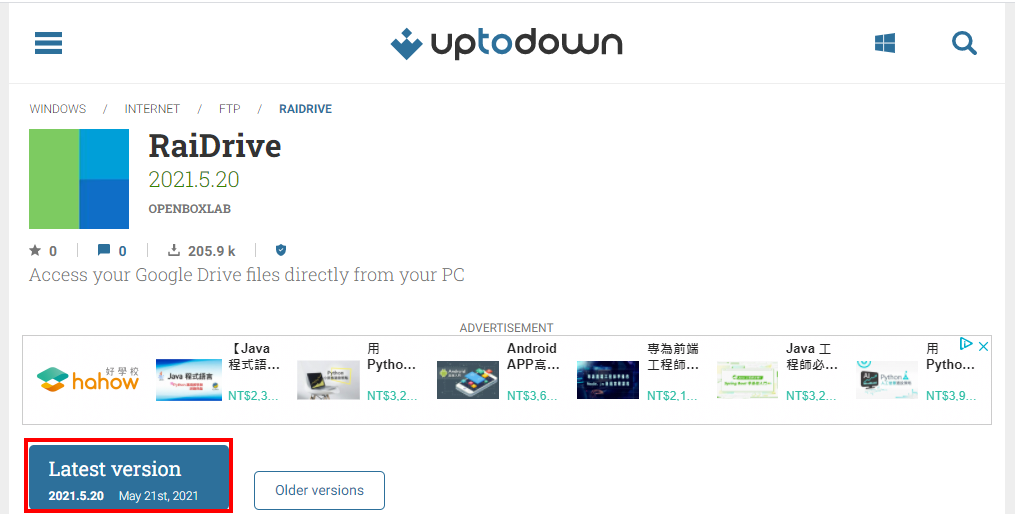
2.Download the latest version
The latest version: 2021.5.20 (file size 80.31MB)
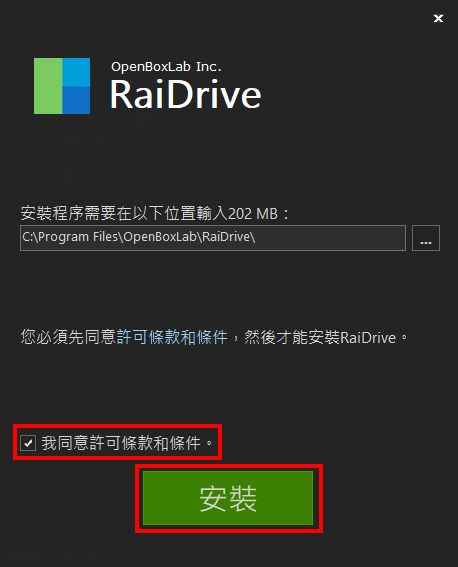
3.Click the exe file And start the installation procedure
raidrive-2021-5-20.exe
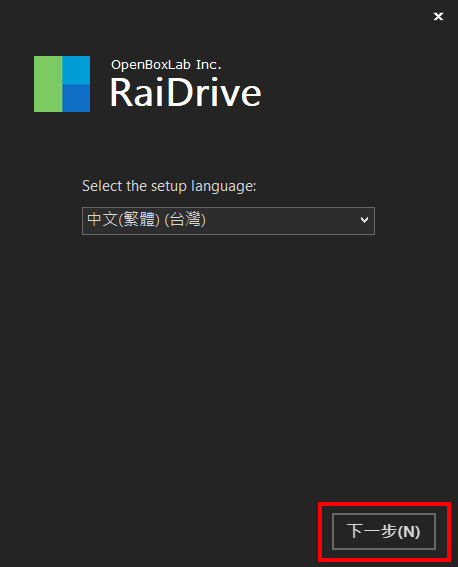
Agree to license and conditions => Click to install
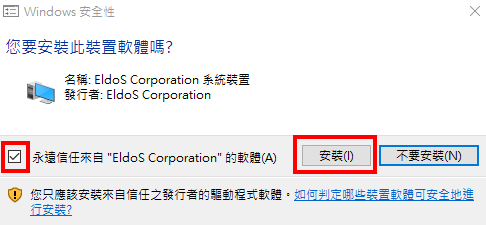
Windows security inquiry: Confirm to install
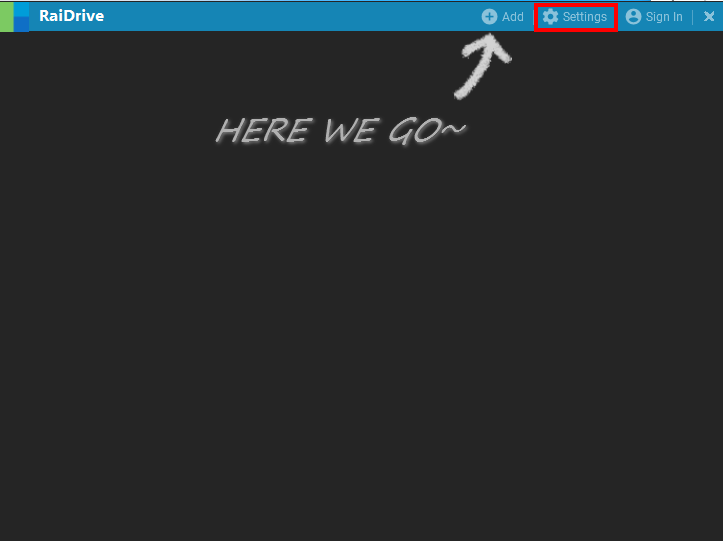
4.RaiDrive Language Setting
Click setting
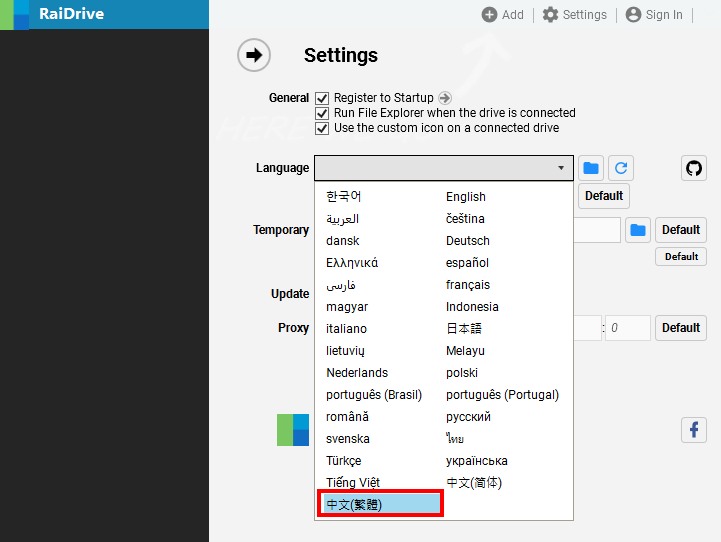
Select English
5.Select the network hard drive to be mounted
Click Added
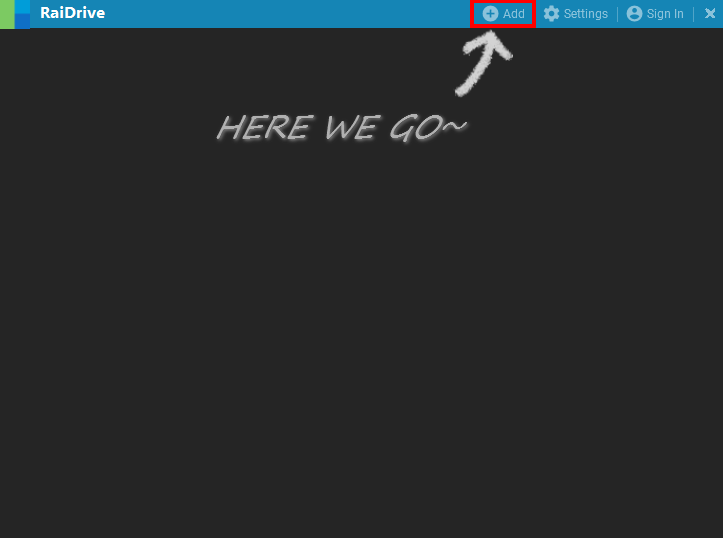
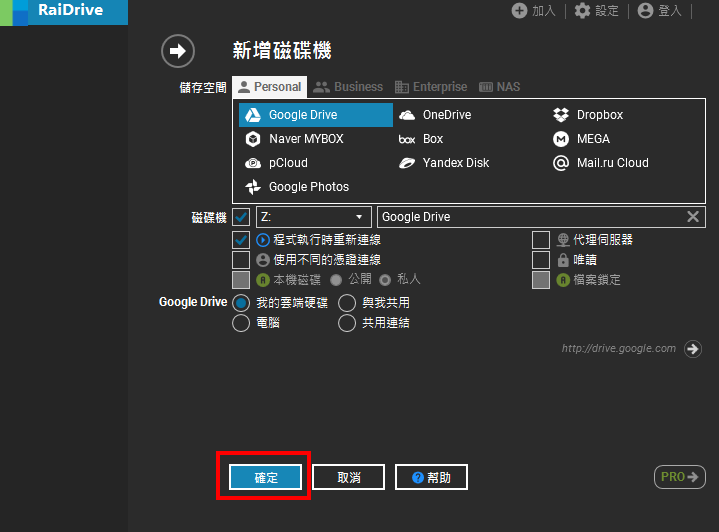
Select the network hard drive to be mounted (take Google Drive as an example) Just use the initial settings => Click the confirm button
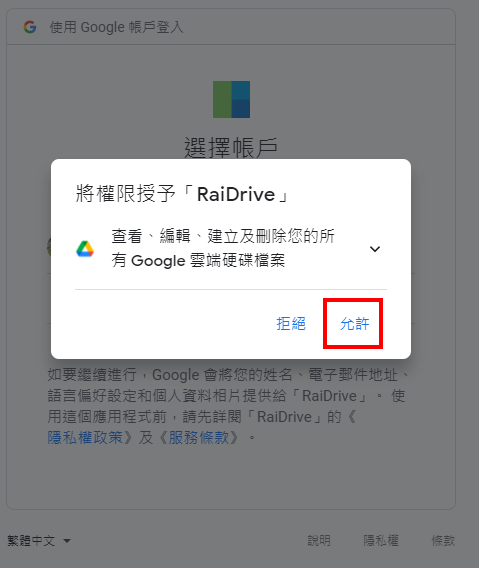
6.Log in to Google account and give permission to RaiDrive
7.Done! The local path is more than the network hard disk that is set to mount